> For the complete documentation index, see [llms.txt](https://docs.minterest.com/ethereum-mantle-guide/llms.txt). Markdown versions of documentation pages are available by appending `.md` to page URLs; this page is available as [Markdown](https://docs.minterest.com/ethereum-mantle-guide/withdraw-mantle-rewards.md).
# Withdraw Mantle Rewards
This guide focuses on working directly with contracts on Ethereum or Mantle via network-specific block explorers, not via the Minterest UI.
On Mantle network, Minterest provides additional incentive rewards in $**WMNT**.\
These $**WMNT incentives accrue only when standard protocol rewards (MINTY) are accruing**.
Incentive rewards flow through two contracts:
* **RewardsHub**: core contract responsible for basic rewards logic.
* **IncentiveEmissionHub**: contract responsible for WMNT incentive rewards.
{% hint style="info" %}
**Important**:
To get the **latest** $WMNT balance, you must first trigger the standard rewards distribution on **RewardsHub**.\
Withdrawing the maximum available WMNT requires **two transactions**:
1. Distribute all basic rewards.
2. Withdraw $WMNT.
{% endhint %}
***
> #### Distribute Basic Rewards
This step updates your rewards state across all markets you use:
1. Open the **RewardsHub** contract page on the Mantle block explorer.
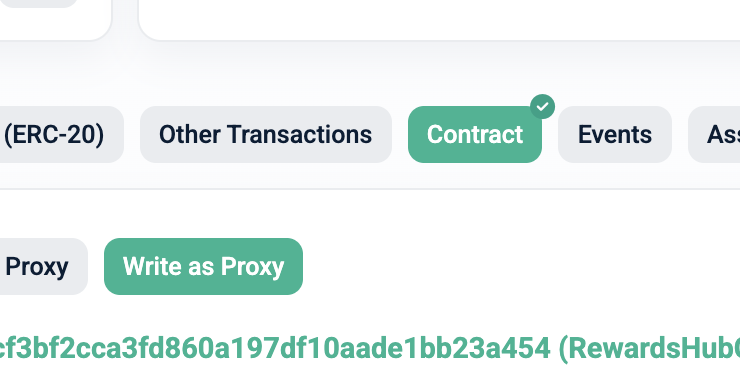
2. Go to the **Write as Proxy** tab:
3. Connect your wallet.
4. Find the function `distributeAllMnt`:
5. Provide your wallet address as the parameter.
6. Click **Write** and confirm the transaction in your wallet.
After the transaction is confirmed, your reward state is updated and you can proceed to $WMNT withdrawal.
***
> #### Withdraw $WMNT Incentives
#### Read Available Balance
1. Open the **IncentiveEmissionHub** (IEH) contract page on the Mantle block explorer.
2. Go to the **Read as Proxy** tab:
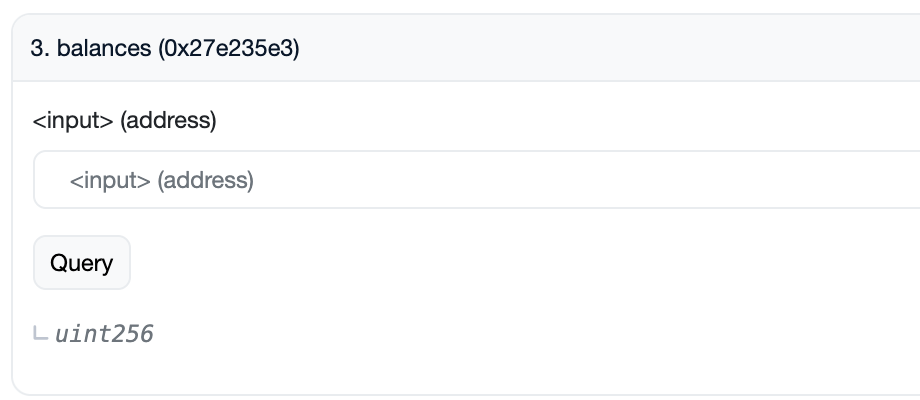
3. Find the function `balances`:
4. Provide your wallet address as the parameter.
5. Click **Query** to get the result.
6. Copy the returned amount exactly as shown (integer value).
{% hint style="info" %}
**Note**: The amount is scaled using $WMNT token decimals (**18 decimals**, i.e. `1e18`).
{% endhint %}
***
#### Withdraw $WMNT
1. On the same **IncentiveEmissionHub** (IEH) contract page, open the **Write as Proxy** tab:
2. Connect your wallet.
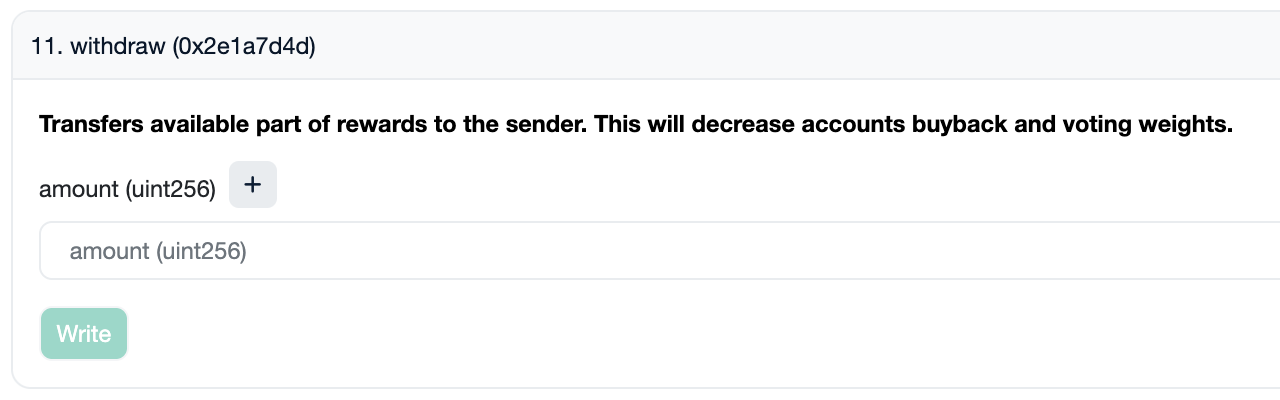
3. Find the function `withdraw`:
4. Paste the amount you copied in the previous step as the parameter.
5. Click **Write** and confirm the transaction in your wallet.
{% hint style="success" %}
Once the transaction is confirmed, your $WMNT incentive rewards are withdrawn to your wallet.
{% endhint %}
***
> #### RewardsHub & IEH Contracts
| Contract Name | Public Address |
| -------------------- | -------------------------------------------- |
| RewardsHub | `0xb3958B3A215c0Fec56a20dFeB55971B68Cc34179` |
| IncentiveEmissionHub | `0xa59512C9471912F99958B867F6954f5bEf0Cb3f4` |