> For the complete documentation index, see [llms.txt](https://docs.minterest.com/ethereum-mantle-guide/llms.txt). Markdown versions of documentation pages are available by appending `.md` to page URLs; this page is available as [Markdown](https://docs.minterest.com/ethereum-mantle-guide/withdraw-funds.md).
# Withdraw Funds
This guide focuses on working directly with contracts on Ethereum or Mantle via network-specific block explorers, not via the Minterest UI.
#### Withdraw Funds From the Market
{% hint style="info" %}
To fully withdraw funds from all markets, all outstanding loans must be repaid.
{% endhint %}
> For these next steps, we'll be interacting with **Ethereum**'s & **Mantle**'s explorer using $**USDC**'s market address:
* **Ethereum**: **`0x45e90AfE8112CbE940adb1436d89Fb9450815eeA`**
* **Mantle**: **`0xEcbE4A2519f1e26df8Dfde95a4a2b89DE832896C`**
***
#### Get Your Balance for a Specific Market
{% hint style="success" %}
This part of the process won't require any transaction.
{% endhint %}
1. Locate the contract address for **the market** associated with your desired token in the smart contracts list provided in this guide.
2. Visit [Ethereum](https://etherscan.io/)'s or [Mantle](https://mantlescan.xyz/)'s blockchain explorer and input **the market contract address** chosen on the page's search field.
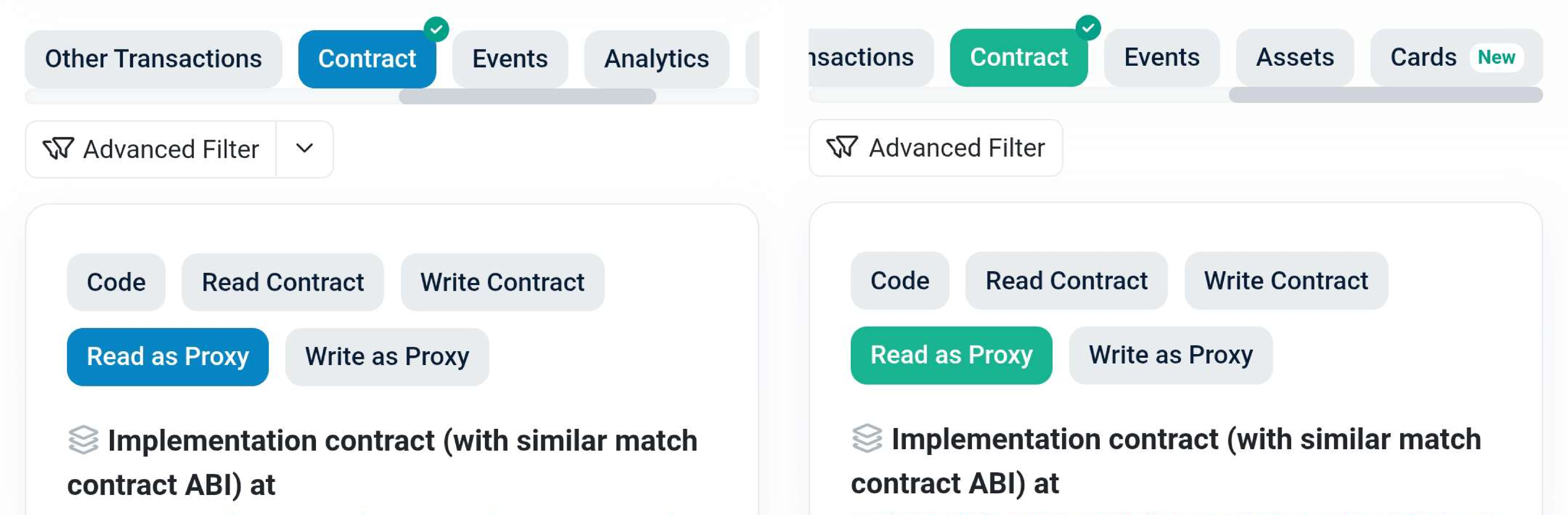
3. Go to the **Contract** section, open the **Read as Proxy** or **Read proxy** tab, then scroll down and choose the `balanceOf` function:
4. Paste your wallet's public address into the `owner (address)` input field and click **Query** or **Read**:
{% hint style="info" %}
The result is an integer scaled by the underlying token decimals.
{% endhint %}
***
#### Redeem Tokens From the Market Contract
1. Go back to the **Contract** section, open the **Write as Proxy** or **Write proxy** tab, then click **Connect to Web3** or **Connect wallet**.
2. Locate and choose the `redeem` function, then enter the balance you got form using the `balanceOf` function in the `redeemTokens (uint256)` input field:\
3. Click **Write**, then approve the transaction in the browser pop-up displayed by your wallet.
{% hint style="info" %}
You'll get an error if you're not holding enough of your inputted asset amount.
{% endhint %}