> For the complete documentation index, see [llms.txt](https://docs.minterest.com/ethereum-mantle-guide/llms.txt). Markdown versions of documentation pages are available by appending `.md` to page URLs; this page is available as [Markdown](https://docs.minterest.com/ethereum-mantle-guide/repaying-loans.md).
# Repaying Loans
This guide focuses on working directly with contracts on Ethereum or Mantle via network-specific block explorers, not via the Minterest UI.
#### Repaying Outstanding Loan Amounts
{% hint style="info" %}
Repay operations require granting an approval for the market to spend tokens on your behalf before triggering the repay. You'll execute two transactions: a spending approval and a repay confirmation.
{% endhint %}
> For these next steps, we'll be interacting with **Ethereum**'s & **Mantle**'s explorer using both $**USDC**'s market or token address:
* **Market address on Ethereum**:\
**`0x45e90AfE8112CbE940adb1436d89Fb9450815eeA`**
* **Token address**:\
**`0xA0b86991c6218b36c1d19d4a2e9Eb0cE3606eB48`**
* **Market address on Mantle**:\
**`0xEcbE4A2519f1e26df8Dfde95a4a2b89DE832896C`**
* **Token address**:\
**0x09bc4e0d864854c6afb6eb9a9cdf58ac190d0df9**
{% hint style="info" %}
Before triggering the repay, make sure you have enough tokens in your wallet to cover the outstanding loan plus accrued interest.
{% endhint %}
***
#### Providing an Approval
1. Locate the contract address for **the token** associated with your desired market in the smart contracts list provided in this guide.
2. Visit [Ethereum](https://etherscan.io/)'s or [Mantle](https://mantlescan.xyz/)'s blockchain explorer and input **the token contract address** chosen on the page's search field.
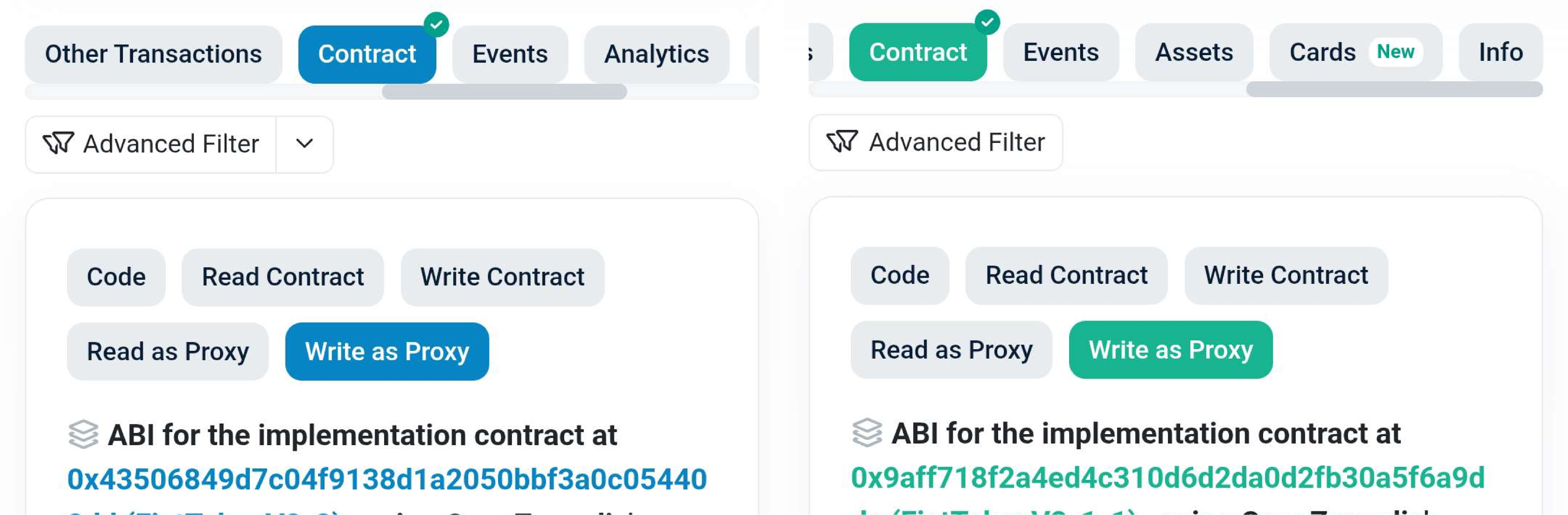
3. Go to the **Contract** section, open the **Write as Proxy** or **Write proxy** tab, then click **Connect to Web3** or **Connect wallet**:
4. Select the blockchain wallet you're using — after that, your wallet will display a browser pop-up asking you to connect to Ethereum's or Mantle's explorer.
5. Once connected, scroll down and choose the `approve` function.
6. Paste **the market contract address** of the market associated with your desired token into the `spender` input field.
7. To ensure the entire borrow amount is repaid, it's recommended to enter the following string in the `value (uint256)` input field:\
\
**`115792089237316195423570985008687907853269984665640564039457584007913129639935`**
\
This is the maximum value for `value (uint256)` and ensures the market can pull the correct amount considering newly accrued interest, guaranteeing the loan is fully repaid:
8. Click **Write**, then approve the transaction in the browser pop-up displayed by your wallet.
***
#### Executing the Repay
1. Locate the contract address for **the market** associated with your desired market in the smart contracts list provided in this guide.
2. Visit [Ethereum](https://etherscan.io/)'s or [Mantle](https://mantlescan.xyz/)'s blockchain explorer and input **the market contract address** chosen on the page's search field.
3. Go to the **Contract** section, open the **Write as Proxy** or **Write proxy** tab, then click **Connect to Web3** or **Connect wallet**:
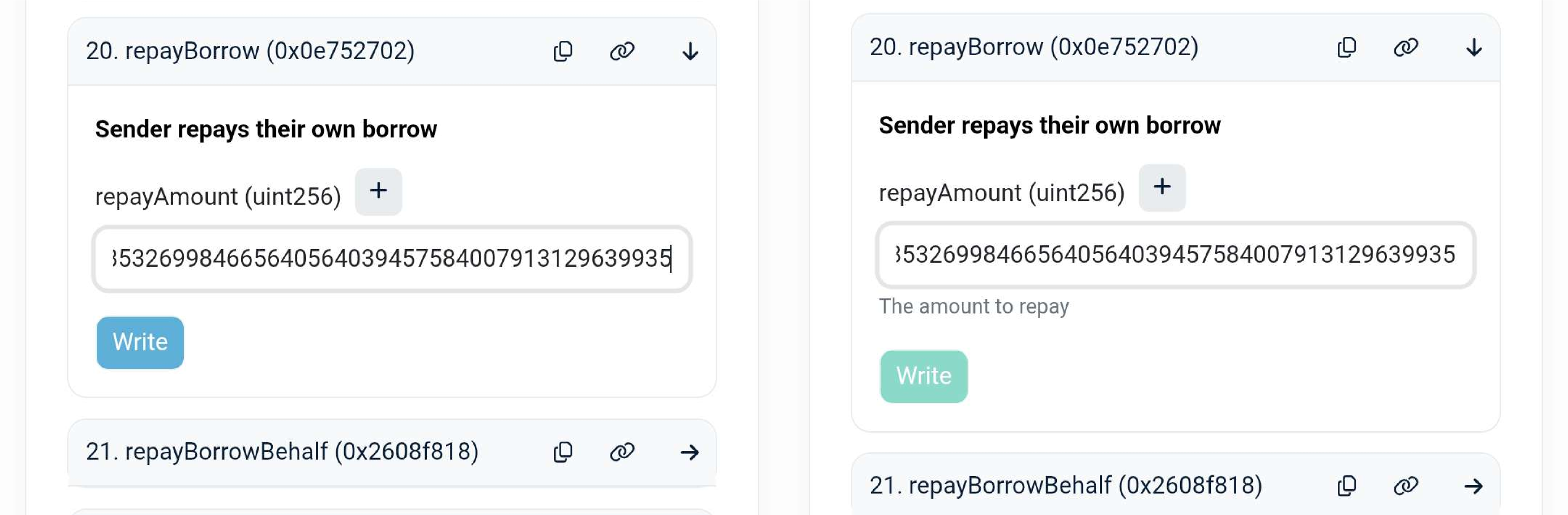
4. Locate and choose the `repayBorrow` function, then enter the following string in the `repayAmount (uint256)` input field:\
**`115792089237316195423570985008687907853269984665640564039457584007913129639935`**
5. Click **Write**, then approve the transaction in the browser pop-up displayed by your wallet.
6. After repaying your loan, it's recommended to remove the approval from the market contract by using the same flow but setting the `value (uint256)` input field to zero: **`0`**
{% hint style="info" %}
You cannot repay unless you've already borrowed this asset beforehand and your wallet has enough balance to cover the inputted amount.
{% endhint %}