> For the complete documentation index, see [llms.txt](https://docs.minterest.com/ethereum-mantle-guide/llms.txt). Markdown versions of documentation pages are available by appending `.md` to page URLs; this page is available as [Markdown](https://docs.minterest.com/ethereum-mantle-guide/balance-check.md).
# Balance Check
This guide focuses on working directly with contracts on Ethereum or Mantle via network-specific block explorers, not via the Minterest UI.
#### Browsing Each Explorer
Here you'll find information to help you get better acquainted with the **Read as Proxy** and **Write as Proxy** smart contract operations.
> These are the actions you'll need to perform on either Ethereum's or Mantle's blockchain explorer—whether you're checking your current outstanding borrow amount or repaying or withdrawing assets.
{% columns %}
{% column %}
* [**Ethereum's blockchain explorer**](https://etherscan.io/)
{% endcolumn %}
{% column %}
* [**Mantle's blockchain explorer**](https://mantlescan.xyz/)
{% endcolumn %}
{% endcolumns %}
For each asset, use the corresponding token contract on the appropriate network.\
You can find each token contract address in this section of the guide.
Any procedures involving your browser wallet, such as connection authorisations, approvals, or transaction confirmations, will appear as prompts from your wallet provider — just as they did when performing the same actions in the web apps.
{% hint style="info" %}
First, check that you're holding enough $**ETH** on **Ethereum** or enough $**MNT** on **Mantle** for transaction fees.
{% endhint %}
***
#### Checking Your Outstanding Borrow Amount
> For these next steps, we'll be interacting with **Ethereum**'s & **Mantle**'s explorer using $**USDC**'s market address:
* **Ethereum**: **`0x45e90AfE8112CbE940adb1436d89Fb9450815eeA`**
* **Mantle**: **`0xEcbE4A2519f1e26df8Dfde95a4a2b89DE832896C`**
{% hint style="success" %}
This part of the process won't require any transaction.
{% endhint %}
1. Locate the contract address for **the market** associated with your desired token in the smart contracts list provided in this guide.
2. Visit [Ethereum](https://etherscan.io/)'s or [Mantle](https://mantlescan.xyz/)'s blockchain explorer and input **the market contract address** chosen on the page's search field.
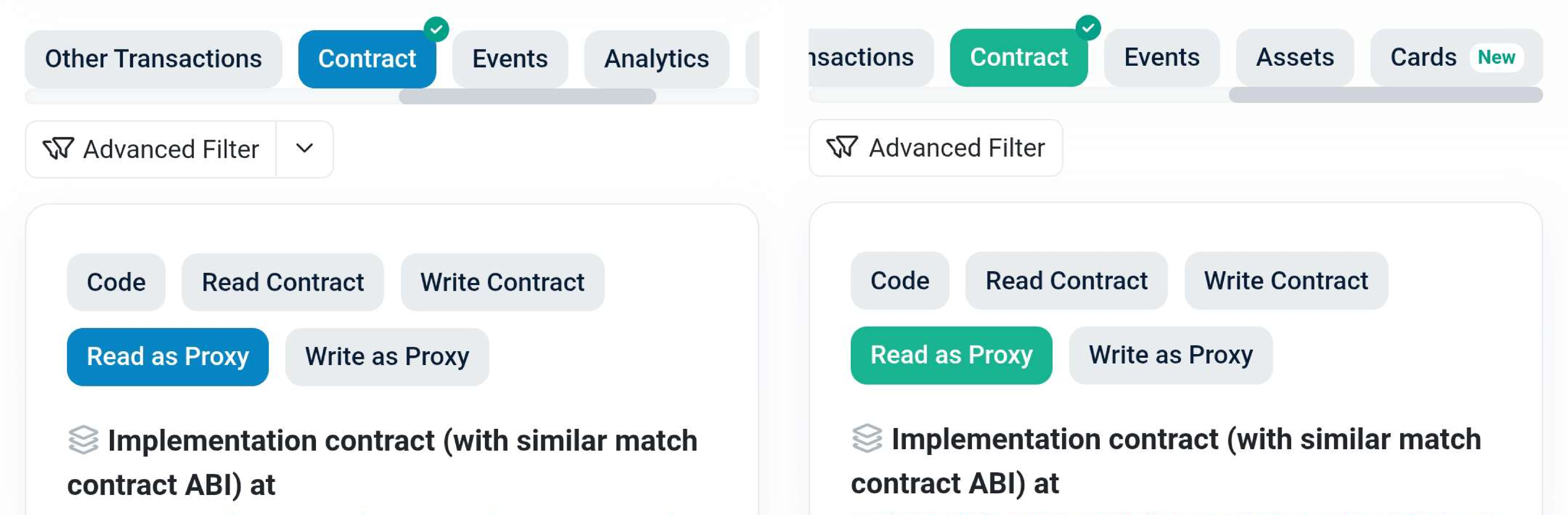
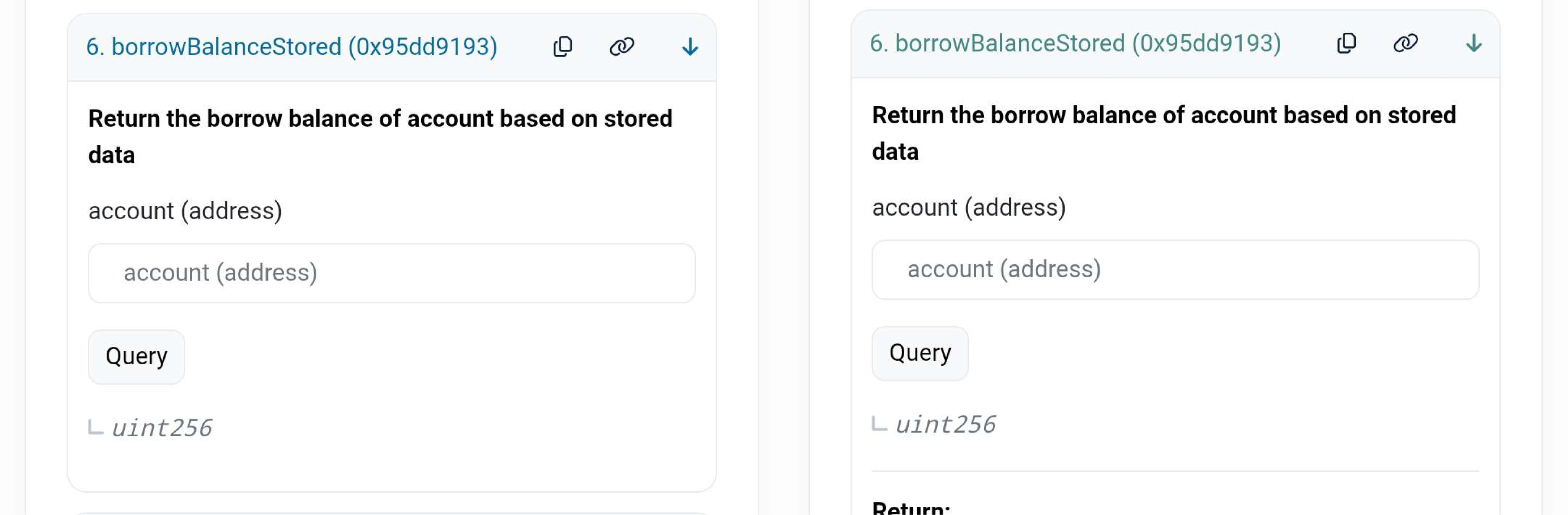
3. Go to the **Contract** section, open the **Read as Proxy** or **Read proxy** tab, then scroll down and choose the `borrowBalanceStored` function:
4. Paste your wallet's public address into the `account (address)` input field and click **Query** or **Read**:
{% hint style="info" %}
The result is an integer scaled by the underlying token decimals.
{% endhint %}